

The best alternatives to Apple Family Sharing for divorced co-parents who need separate iCloud storage, private purchases, and controls that work across two homes.
Apple Family Sharing was built for one household under one roof, which is exactly why it turns awkward after a split. It ties everyone to one organizer’s payment method, pools purchases onto a shared Purchased tab, and links location and storage across people who no longer live together. On the Apple forums, the most upvoted threads on this are from parents describing how hard the setup is to untangle once a relationship ends. The fix is rarely a single app. It is usually a small stack: separate accounts for storage and purchases, plus a control tool that follows the kid between houses. Here are six alternatives, and who each one is for.
The best Family Sharing alternatives for divorced co-parents are:
- Separate Apple IDs — fully private storage and purchases inside Apple
- Google One — cross-platform storage each household controls
- Google Family Link — free controls, best for Android kids
- Microsoft Family Safety — free cross-platform controls plus isolated storage
- OurFamilyWizard — court-friendly co-parenting coordination
- Qustodio — one screen-time dashboard for any device
At a Glance
| Service | Best for | What it replaces | Cost |
|---|---|---|---|
| Separate Apple IDs | Staying in Apple | Shared storage and purchases | iCloud+ from $0.99/mo |
| Google One | Mixed-device homes | Shared iCloud+ storage | $1.99/mo (100GB) |
| Google Family Link | Android or Chromebook kids | Screen Time and Ask to Buy | Free |
| Microsoft Family Safety | Cross-platform control + storage | Screen Time plus storage | Free; storage with 365 Family |
| OurFamilyWizard | High-conflict co-parents | Shared calendar and messaging | $110-$299.88/yr per parent |
| Qustodio | iPhone kids and any device | Cross-household screen time | Free; premium from $54.95/yr |
Table of Contents
1. Separate Apple IDs

Best for: Co-parents who want to stay inside Apple and only need storage and purchases kept private.
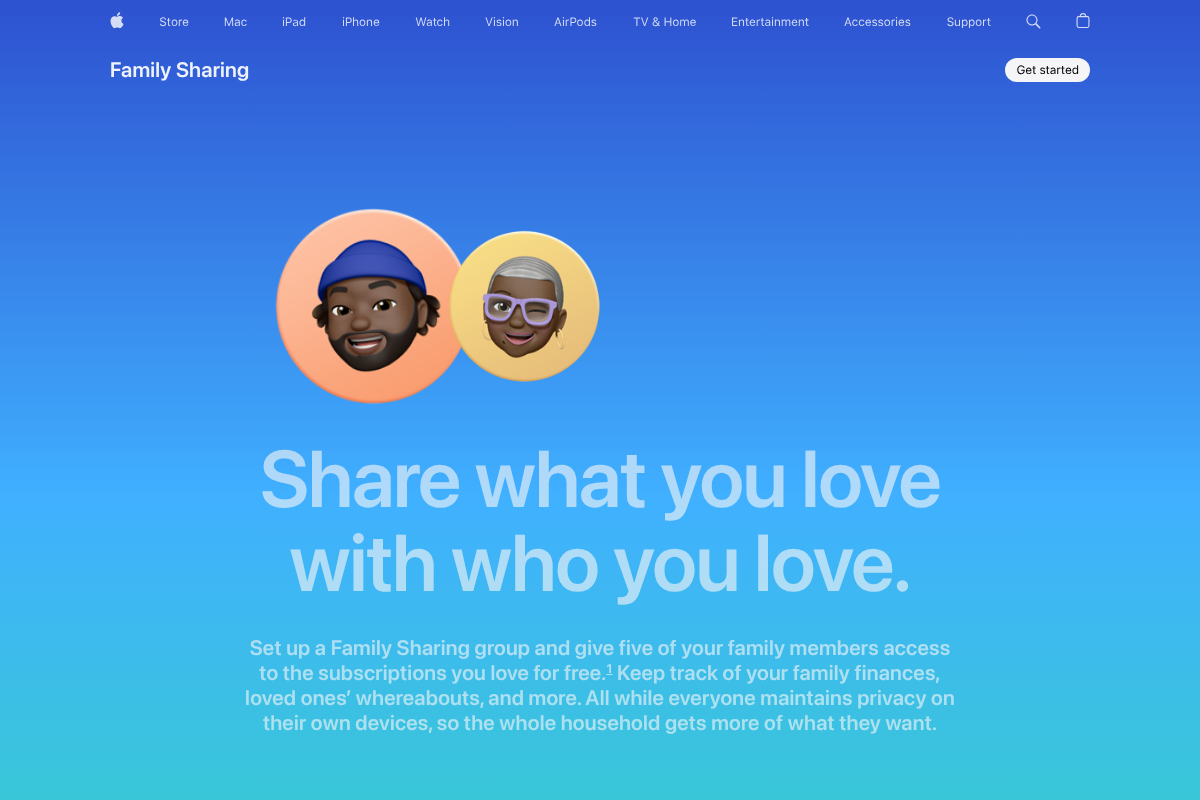
The cleanest fix is often to stop sharing rather than to add another product. Each adult keeps an individual Apple ID with its own iCloud+ plan and its own purchase history, and with Purchase Sharing turned off, your app and media buys never land on a shared Purchased tab or route to an ex’s card. Apple’s own explainer of how Family Sharing works confirms that leaving a group lets you keep anything paid for on the shared card, though you lose the shared storage the moment you go.
One honest wrinkle decides whether this is enough. Two adults separate cleanly this way, but a child under 13 still needs a child Apple ID that lives inside one parent’s family group, because Apple requires a managed account for young kids. Pick which household hosts the child’s Apple ID, and use a cross-platform tool from this list for the other parent’s oversight. Individual iCloud+ runs $0.99 a month for 50GB, $2.99 for 200GB, and $9.99 for 2TB, per Apple ID.
- Pros: Fully private storage and purchases, no shared payment method, no ecosystem switch.
- Cons: A young child’s account still sits in one parent’s group, and each person pays separately.
Pricing: iCloud+ from $0.99/mo (50GB) to $9.99/mo (2TB), per Apple ID.
2. Google One
Best for: Separating photos and files across two homes, especially when one parent uses Android.
If the tug of war is really about storage, Google One sidesteps Apple entirely. It covers Drive, Gmail, and Photos across both iPhone and Android, so each household can run its own plan and keep files completely apart. Even on a shared plan, Google keeps members’ files private unless someone deliberately shares them, which its plan overview lays out. That privacy-by-default matters a lot when the person you used to pool storage with is now an ex.
Pricing is gentle at the entry point, which suits a parent who just needs somewhere private for the kids’ photos. The 100GB plan is $1.99 a month or $19.99 a year, and 2TB runs about $99.99 a year, shareable with up to five people if you ever want to. The catch is that this solves storage, not purchases or parental controls, so most co-parents pair it with one of the control tools below rather than treating it as a full replacement.
- Pros: Works on iPhone and Android, files private by default, cheap entry tier.
- Cons: Storage only, so it does not touch app purchases or screen time.
Pricing: 100GB $1.99/mo or $19.99/yr; 2TB about $99.99/yr.
3. Google Family Link
Best for: Co-parents whose child uses an Android phone or a Chromebook.
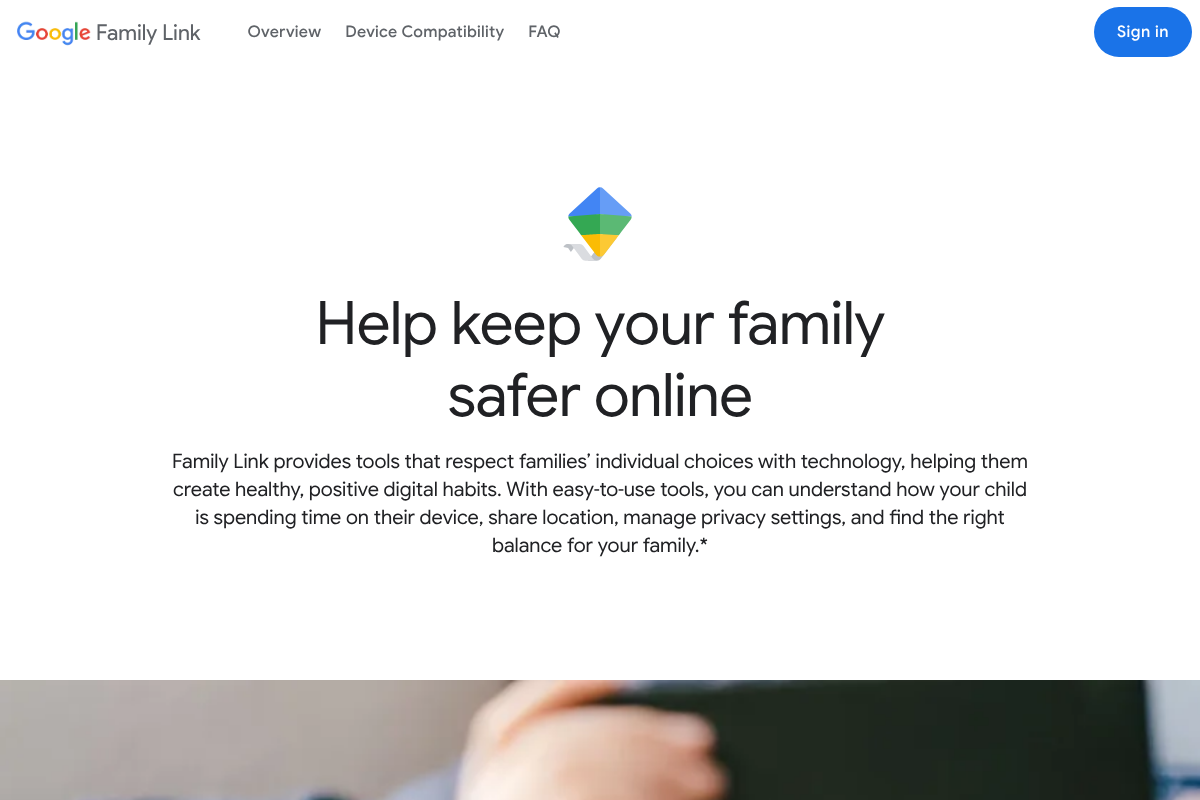
Family Link is free, which alone makes it worth a look when you are splitting costs two ways. It handles app approval, screen-time limits, and location for a child’s device, and the parent app runs on both Android and iPhone. The important limit is on the child’s side. Google’s guide to which devices can be supervised makes clear that the full control set only applies when the kid’s device is Android or a Chromebook.
On an iPhone, Family Link can manage some Google account and YouTube settings but cannot fully control the device, so app blocking and system limits fall short. That single fact should steer your choice: if your child carries an Android, this is the free answer, and if they carry an iPhone, lean on Apple’s own Screen Time or a paid cross-platform tool instead. For a two-Android household, Family Link covers the ground that Family Sharing’s controls used to.
- Pros: Free, solid on Android and Chromebook, parent app works on any phone.
- Cons: Only partial control on an iPhone child device.
Pricing: Free.
4. Microsoft Family Safety
Best for: Mixed-device families who want free controls and can use isolated storage too.
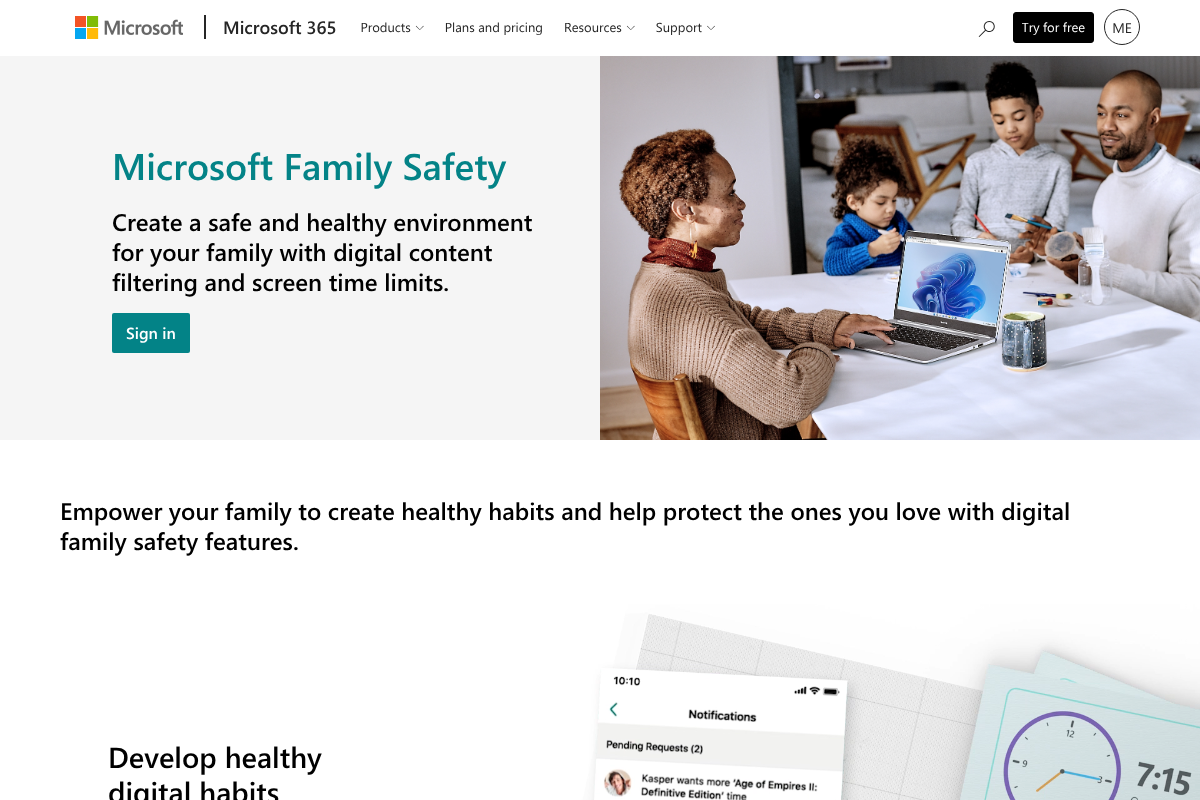
Microsoft Family Safety is the quiet all-rounder here, and most of it is free. The app runs on Windows, Xbox, Android, and iOS, and at no cost you get screen-time limits, app approval, content filters, location, and activity reports, as Microsoft describes on its Family Safety page. For a co-parent who wants a shared view of the kid’s screen time without paying, that is a genuinely strong free option that also covers iPhones better than Family Link does.
The storage angle is where it doubles up. A Microsoft 365 Family subscription, around $99.99 a year, gives each of up to six people their own private 1TB of OneDrive, with files walled off from everyone else in the plan. So one subscription can hand each parent and child a separate terabyte, which neatly solves the shared-storage problem while keeping the free safety controls on top. It is the closest single answer to what Family Sharing used to bundle.
- Pros: Free cross-platform controls, better iPhone support, optional isolated 1TB per person.
- Cons: The separate-storage perk needs the paid 365 Family plan.
Pricing: Free; Microsoft 365 Family about $99.99/yr for isolated storage.
5. OurFamilyWizard
Best for: High-conflict or court-involved co-parents who need a documented record.
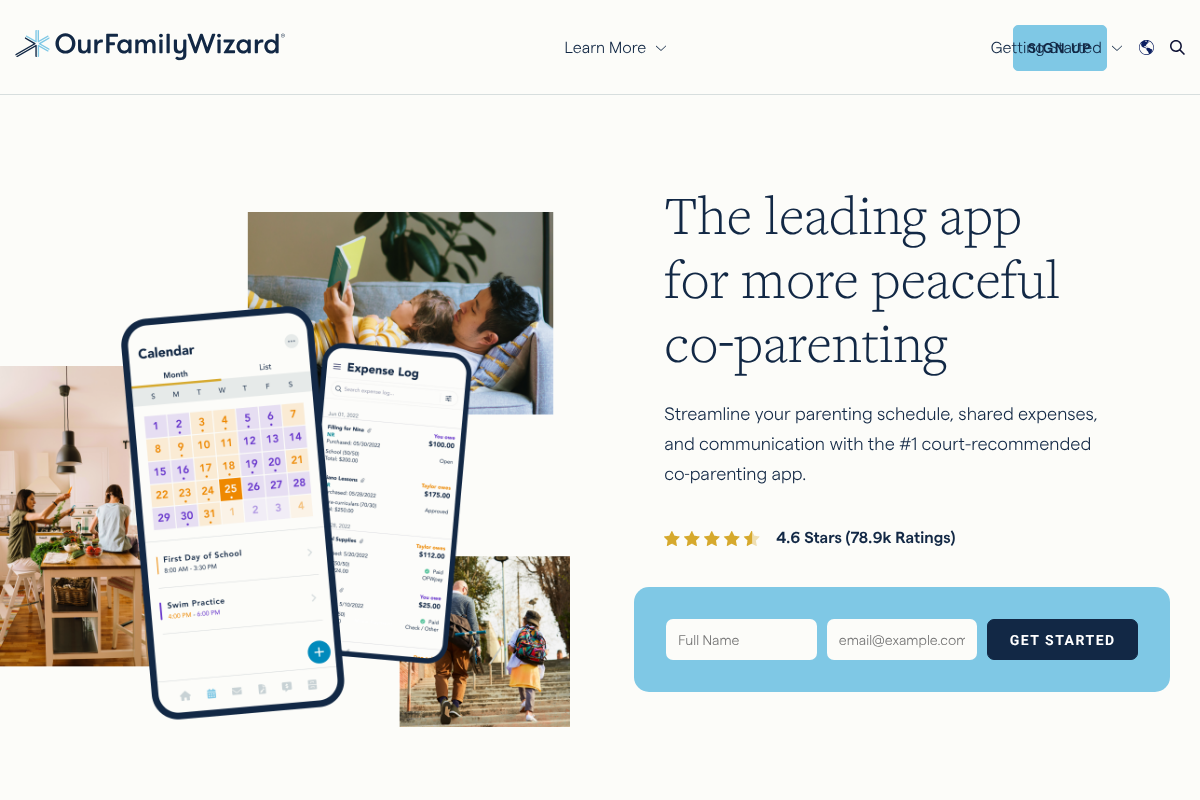
OurFamilyWizard answers a different question than the rest. It does not manage a child’s phone; it manages the co-parenting itself, with a shared calendar, expense splitting, and tone-monitored messaging that keeps a court-admissible record of every exchange. Judges and family lawyers recommend it often, which is why it shows up in custody agreements. When communication with an ex is tense enough that you need proof of what was said and agreed, this is built for exactly that.
The cost is the honest sticking point. Pricing runs per parent, from a Basic tier at $110 a year up to $299.88 for the top plan, and because both parents need their own subscription, a family actually pays between $220 and about $600 a year, per its pricing page. There has never been a free tier, though children, grandparents, and professionals like attorneys get free accounts. If your co-parenting is low-conflict, this is more structure than you need, and a shared calendar app will do.
- Pros: Court-admissible records, tone-checked messaging, purpose-built for co-parents.
- Cons: No free tier, and both parents must pay, so the real cost is doubled.
Pricing: $110-$299.88/yr per parent; both parents subscribe.
6. Qustodio
Best for: Co-parents who want one screen-time dashboard that works on an iPhone kid too.
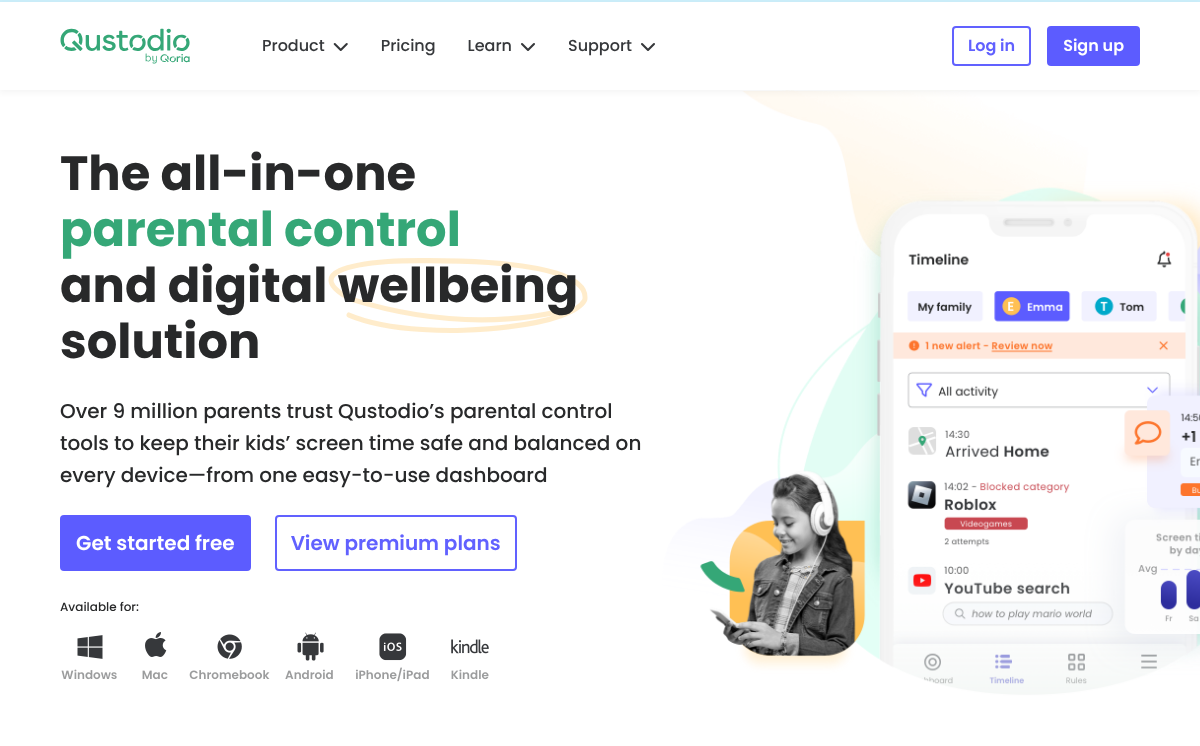
Qustodio is the paid pick for households where the child’s iPhone leaves Family Link short. It runs across iOS, Android, Windows, Mac, and Kindle, and gives both parents one dashboard for screen time, app rules, content filters, and location, no matter which platform the kid is on. For a child who switches between a phone at one house and a tablet at the other, that single cross-device view is the whole appeal.
There is a free plan, but treat it as a trial: it covers one device with limited features. Real use starts with premium, which runs from $54.95 a year for five devices, with plans reaching about $104.95, and the tiers are laid out on Qustodio’s free versus premium page. Compared with the free Microsoft option it costs money, but its iPhone coverage and depth are stronger, which is what you are paying for.
- Pros: Genuine cross-platform coverage including iPhone, one shared dashboard, deep controls.
- Cons: The useful features are paid, and the free plan is really a trial.
Pricing: Free (1 device); premium from $54.95/yr (5 devices).
How We Chose These
We started from what divorced co-parents actually ask for: storage they control alone, purchases an ex cannot see, and a way to manage a child who moves between two homes. From there we weighed cost, whether each tool works across both Apple and Android, and how well it holds up when two households, not one, are using it. We kept a mix on purpose, because the honest answer is a small stack rather than one app. Above all, remember that none of these override a custody agreement. Device access and account decisions should follow your parenting plan, and anything contested is worth running past your attorney first.
Final Takeaway
For most co-parents, the practical setup is not the priciest one. Separate Apple IDs or a Google One plan handle storage and purchases, and free Microsoft Family Safety covers screen time across both platforms, which is enough for a lot of families without spending a dollar on controls. Reach for Qustodio when your child is on an iPhone and you want deeper cross-device oversight, and reserve OurFamilyWizard for genuine conflict or a court order, where its records earn the per-parent cost. For related setups, see our comparison of router parental control features and our guide to cross-platform family tracking. Browse more in Wayodd’s Family & Personal section.
Frequently Asked Questions
What is the best Family Sharing alternative for divorced parents?
For families staying on Apple, the best alternative is simply separate Apple IDs with Purchase Sharing turned off, which keeps storage and purchases fully private. If you also need to manage a child across two homes, add free Microsoft Family Safety for cross-platform screen time, or Qustodio if the child uses an iPhone. Most divorced co-parents end up with this kind of small stack rather than one single app.
Is Google Family Link or Qustodio better for co-parents?
It depends on the child’s device. Google Family Link is free and works well when the child uses an Android phone or Chromebook, but it only partially controls an iPhone. Qustodio is paid, starting around $54.95 a year, and gives full cross-platform control including iPhone, iPad, Windows, and Mac. Choose Family Link for an Android child to save money, and Qustodio when the child is on Apple or the household is mixed.
How do I keep separate iCloud storage from an ex?
Use your own individual Apple ID with its own iCloud+ plan rather than a shared Family Sharing storage tier, so your data sits in an account only you control. If you would rather leave Apple’s storage entirely, a personal Google One plan or an isolated 1TB in Microsoft 365 Family keeps your files walled off. In every case the goal is one account per person, with no shared plan an ex can access.
Can I leave Apple Family Sharing without losing my purchases?
Yes. Apple confirms that when you leave a Family Sharing group, you keep any apps, music, or media that were paid for using the shared payment method. What you lose is access to things still being shared, like a shared iCloud+ storage plan or subscriptions, unless you sign up for them on your own. So your library stays, but plan to replace any shared subscriptions individually.
Do both parents need to pay for OurFamilyWizard?
Yes. OurFamilyWizard charges per parent, and each parent needs a separate subscription, so a family pays two fees, roughly $220 to $600 a year combined depending on the tier. Children, grandparents, and professionals such as attorneys get free accounts, but the two co-parents do not. If cost is a concern and conflict is low, a shared calendar plus a free safety app usually covers the same ground.