
Somewhere along the way, sending a simple invoice started costing a monthly fee. You just want to bill a client and get paid, not add another line to your subscriptions. The good news is that you do not have to.
The best free invoice tools 2026 has on offer let a freelancer or small business create, send, and track invoices without a recurring bill of their own. Some are free forever, some are open-source and run on your own server, and some are free to send because they only take a fee when a client actually pays. Here are ten worth knowing, each with the honest catch so you can pick without a nasty surprise later.
Quick Take
- For a genuinely free, full-featured pick, Zoho Invoice is the one most freelancers land on, with unlimited invoices and no upgrade nag.
- Wave, PayPal, and Square are free to send; you pay only a processing fee when a client pays by card.
- If you want to own your data outright, open-source options like Invoice Ninja and InvoicePlane run free on your own server.
Table of Contents
How We Chose These
We prioritized tools with a real no-monthly-subscription path: a free-forever plan, an open-source version you host yourself, or a free-to-send model where you pay only a fee when money changes hands. We looked for generous or unlimited invoice counts, professional-looking templates, and a setup a non-accountant can finish in an afternoon. Where a free tier is tight, we say so plainly, so the list runs from the most flexible free options to the ones best suited to a specific setup.
This article is general information, not financial or tax advice. Pricing, free-tier limits, and payment-processing fees change often, so confirm the current terms on each provider’s own site before relying on them. For tax-compliant invoicing in your country, check the local rules or consult a qualified professional.
1. Zoho Invoice
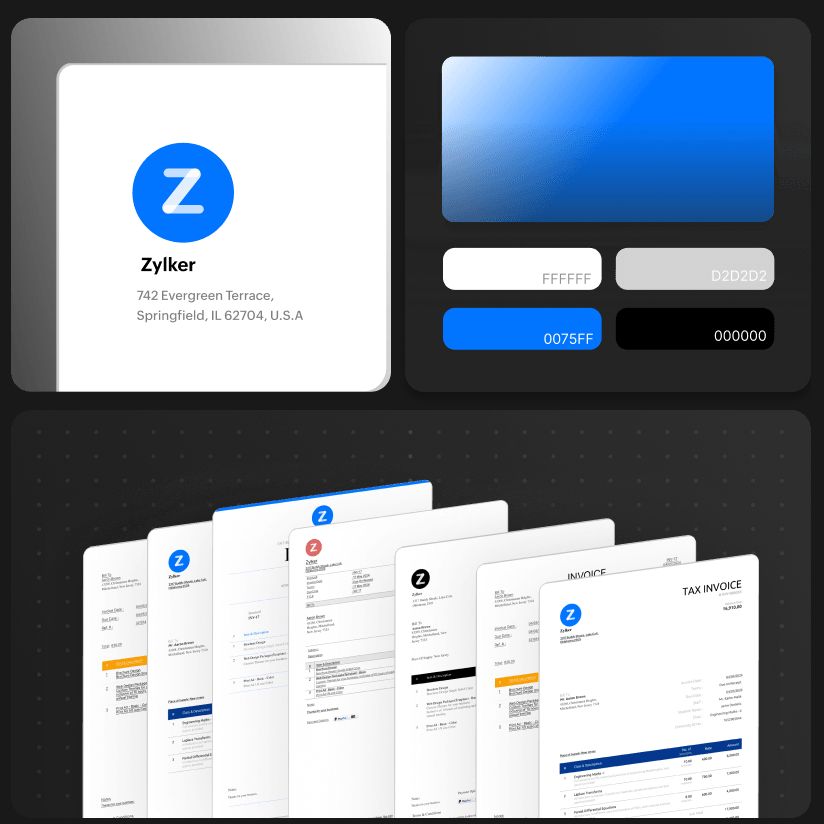
Zoho Invoice is completely free, with no paid upgrade for the invoicing app itself. You get unlimited invoices and clients, recurring invoices, expense and time tracking, a client portal, and multi-currency support. For most freelancers and small teams it is the closest thing to a no-strings free pick. The honest catch is that as you grow into full bookkeeping, Zoho hopes you move up to its paid Books product, though nothing forces you to. Start at the Zoho Invoice site.

2. Wave
Wave keeps a genuinely free Starter plan with unlimited invoices and estimates plus basic bookkeeping, and there is no per-invoice charge. You pay only when a client pays by card, at 2.9% plus 60 cents. Two things changed recently and are worth knowing: automatic bank-transaction import now sits on the paid Pro plan at 19 dollars a month, and new sign-ups are limited to the United States and Canada. For billing plus light accounting in one place, Wave still earns its spot.
3. PayPal Invoicing
If you and your clients already live in PayPal, its invoicing is free to create and send, and you pay only PayPal’s transaction fee when a client pays. There is no monthly cost and almost no setup, which makes it a fast way to bill someone once or twice. The trade-offs are basic features and a per-payment fee that can run higher than a dedicated processor. Send one from PayPal Invoicing.
4. Square Invoices
Square Invoices lets you send unlimited invoices and estimates on a free plan, charging a processing fee of roughly 3.3% plus 30 cents per online card payment. It shines if you also take in-person payments, since the same account covers a card reader and a point of sale. The paid Plus and Premium tiers add the nicer automation and reminders, but the free plan alone will get you paid. Check Square Invoices.
5. Invoice Ninja
Invoice Ninja offers a free cloud plan that covers up to five clients with unlimited invoices, and a free open-source version you host yourself that removes the client limit entirely. That split makes it a favorite for developers and privacy-minded users who would rather keep billing data on their own server. The generous route is the self-hosted one, which asks for a little technical comfort to install and maintain.
6. InvoicePlane
InvoicePlane is fully open-source and self-hosted, so once it is running on your server it costs nothing and caps nothing. You create quotes and invoices, record payments, and keep every byte of client data under your own roof. The price you pay is effort rather than money: you handle the hosting, updates, and backups yourself, which suits people who already run a small server.
7. Akaunting
Akaunting is open-source accounting with free invoicing at its heart, covering invoices, bills, expenses, and reports. Extra capability arrives as optional paid apps from its marketplace, so you can add only what you need and skip the rest. The free core is deliberately lean, and a few features you might expect are among the paid add-ons, so read the marketplace before you assume something is included.
8. Refrens
Refrens runs a free-forever online invoicing plan built with freelancers and small businesses in mind, with several templates and simple invoice reports. It is widely used in India and works well internationally for straightforward billing. Heavier automation, higher volumes, and advanced reports live on paid tiers, but the free plan handles day-to-day invoicing without asking for a card.
9. Invoicely
Invoicely suits very low volume, with a free plan that allows a small number of invoices each month, a single user, and PayPal for online payments. For someone who bills a client or two occasionally, that ceiling is easy to live under. Once you send more or want extra payment options, the monthly caps push you toward a paid plan, so treat the free version as a starter rather than a forever home.
10. Timeline Invoice
Timeline Invoice is a free offline desktop app for Windows that creates unlimited invoices and quotes, exports branded PDFs, and asks for no account at all, which is about as no-subscription as billing gets. Because it runs on your machine, your data never leaves it. The limits follow from that same design: it is Windows-only and offline, so there is no cloud sync if you move between devices.
The Takeaways
- Zoho Invoice is the strongest all-round free pick, with unlimited invoices and no upgrade required for billing.
- Wave, PayPal, and Square cost nothing to send; a card-processing fee applies only when a client pays.
- Invoice Ninja, InvoicePlane, and Akaunting are open-source routes that stay free and keep your data on your own server.
- Refrens, Invoicely, and Timeline Invoice fit specific needs, from freelancer-friendly free tiers to a fully offline Windows app.
Frequently Asked Questions
What is the best free invoice tool with no subscription?
For most people it is Zoho Invoice, which is free with unlimited invoices and clients and no paid upgrade for the invoicing app. If you also want light bookkeeping, Wave’s free Starter plan is a strong second. Both let you bill clients without a monthly fee, though card payments still carry a processing charge.
Are free invoice tools really free, or are there hidden fees?
The software itself is free, but any tool that collects card or bank payments passes on a processing fee, usually around 3% per card transaction. That fee comes out of the payment, not your pocket up front. Open-source options like InvoicePlane avoid subscription and processing fees entirely, but you pay in hosting and setup time instead.
Can I use free invoicing software as a freelancer?
Yes, and freelancers are exactly who these tools are built for. Zoho Invoice, Wave, PayPal, and Refrens all handle a freelancer’s core needs: professional templates, recurring invoices, and online payment. Pick based on where your clients already pay you and how much volume you send, since the free tiers differ most on invoice and client limits.
What is the best free invoicing option that is open source?
Invoice Ninja and InvoicePlane are the two to compare. Invoice Ninja has a hosted free tier plus a self-hosted open-source build with no limits, while InvoicePlane is self-hosted only and completely free once installed. Akaunting adds open-source accounting around its free invoicing. All three trade a subscription for running the software yourself.
Do free invoice tools look professional to clients?
They can. Zoho Invoice, Wave, and Square all offer clean, customizable templates where you add your logo, colors, and payment terms, so a client sees a polished invoice rather than a plain document. The free plan rarely shows any branding from the provider on the invoice, though it is worth checking each tool’s template before your first send.
Bill Clients Without the Monthly Bill
Sending an invoice should not add to your own subscriptions. If you want one tool that simply works for free, start with Zoho Invoice; if you already take card payments, Wave, PayPal, or Square let you bill at no monthly cost; and if owning your data matters most, Invoice Ninja or InvoicePlane put billing on your own server. Match the pick to how your clients pay, confirm today’s fees before you send, and you can keep more of what you bill. For more on running a lean business, browse Wayodd’s Business & Finance section.