
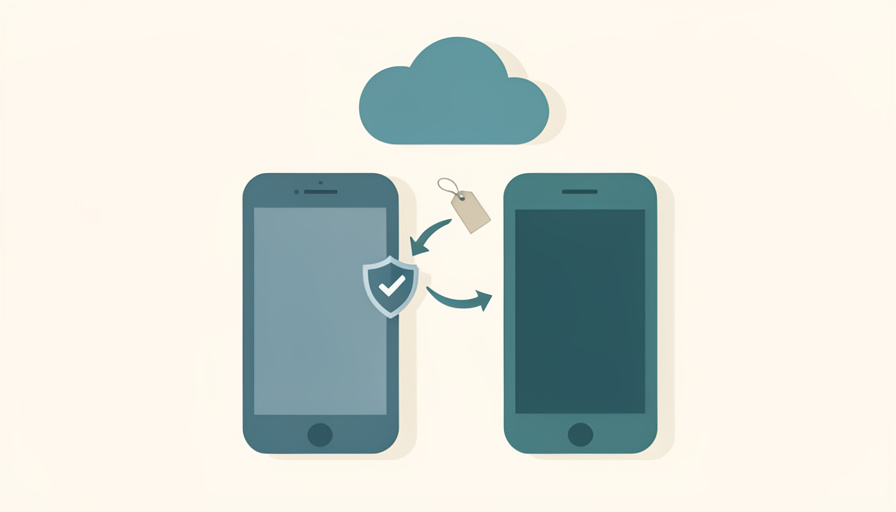
You land in a new country, pop in a local eSIM, and your phone reboots. Then a login asks for a code, and every one of them lived in an app on the device you just reset. There is no worse place to be locked out of your own accounts than a hotel room abroad.
The best Google Authenticator alternatives cloud backup travelers can rely on solve the one weakness that catches people out: getting your codes onto a new or reset phone without a scramble. Google Authenticator now syncs to your Google account, but that ties recovery to the very account you may be locked out of, and offers no help if that account is the problem. Here are seven apps with proper backup, and a pre-travel checklist to prove your restore works before you fly.
Quick Take
- For codes that follow you to any device with no thinking, Ente Auth offers end-to-end encrypted sync by default and even a web app.
- 2FAS and Proton Authenticator are strong open, encrypted options; Microsoft Authenticator and 1Password suit people already in those ecosystems.
- Whatever you pick, test the restore on a second device before you travel, and keep each account’s offline backup codes as a last resort.
Table of Contents
How We Chose These
We judged each app on the four things that decide whether you get back in after a phone change: where your codes are stored, how you recover them on a new device, whether you can export them, and which platforms they run on. Travel raises the stakes, so we favored reliable, encrypted backup and a restore you can test in advance. Each pick imports cleanly from Google Authenticator, so switching is quick, and we flag the one former favorite we no longer put at the top.
This article is general information on account security, not tailored advice. Backup and recovery features change, so confirm each app’s current options before you rely on them, and never share your codes, backup passwords, or recovery codes with anyone who contacts you first.
1. Ente Auth
Ente Auth is the easiest answer for a traveler. It syncs your codes with end-to-end encryption by default across Android, iOS, Windows, macOS, Linux, and a web app, so a lost phone means signing in on any other device and carrying on. It is free and open-source, and there is no passphrase to forget separately from your account. For someone who never wants to think about recovery again, start with Ente Auth.
2. 2FAS
2FAS keeps your codes on your device and backs them up as an encrypted file to your own Google Drive or iCloud Drive, so no extra company holds your secrets. It is open-source, free, works offline, and restores cleanly to a new phone from that backup. For a traveler who wants control over where the backup lives, it is a strong pick. See 2FAS Auth.

3. Proton Authenticator
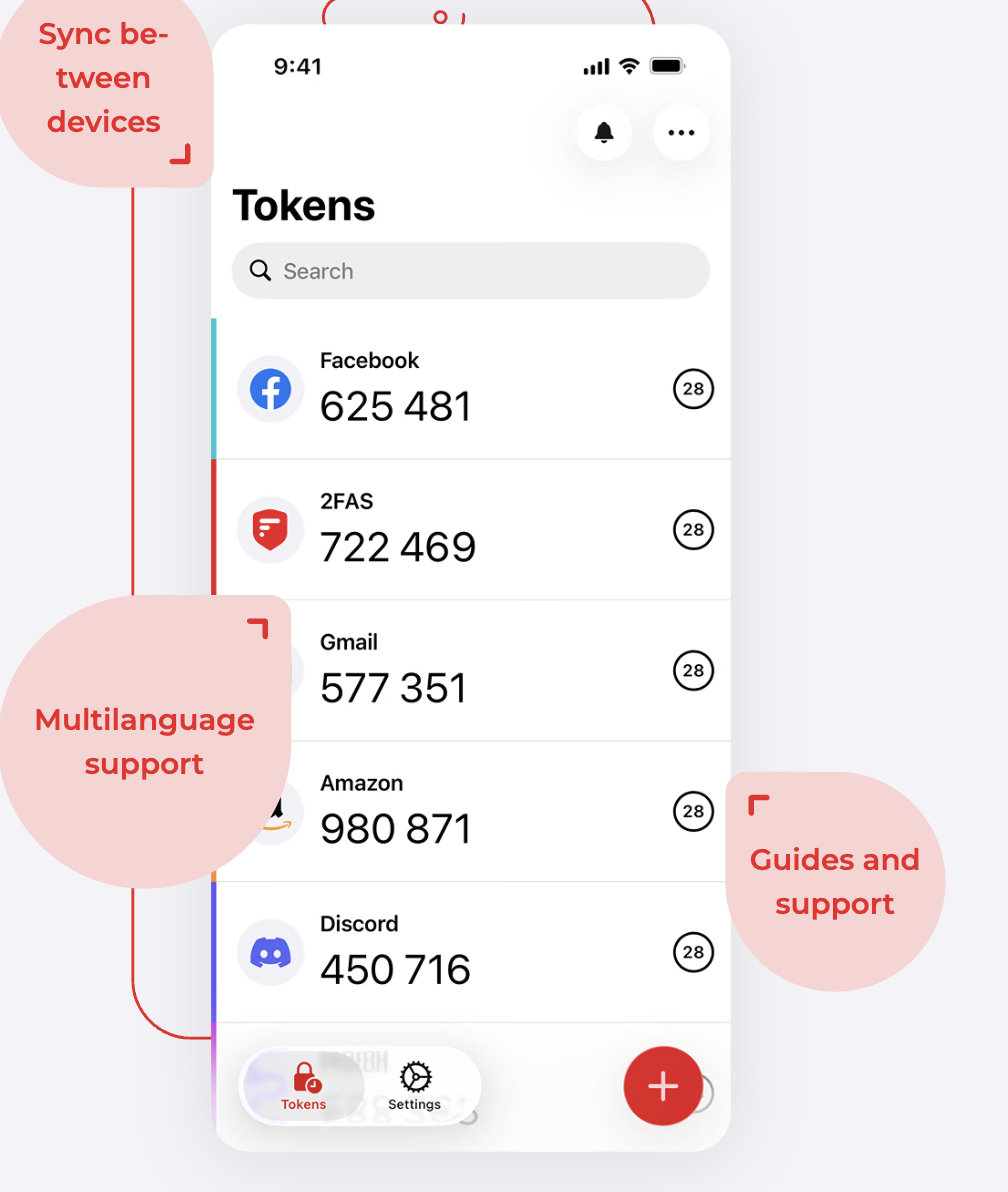
Proton Authenticator, launched in 2025 by the Swiss company behind Proton Mail, offers end-to-end encrypted backup and sync across devices. If you already use Proton services, it keeps your two-factor codes under the same roof, and if you do not, it is still a solid standalone choice with a clear privacy stance. Its cross-platform sync makes a phone swap abroad a non-event. Look at Proton Authenticator.
4. Microsoft Authenticator
Microsoft Authenticator backs up your codes to the cloud, using your iCloud account on iOS or your Microsoft account on Android, and restores them to a new phone after you sign in. It is a comfortable choice for anyone already using Microsoft or Office accounts, and it is widely supported by the sites you log in to. The catch is that recovery leans on your Apple or Microsoft account, so keep access to that account secure and reachable.
5. Aegis Authenticator
Aegis, for Android, stores your codes locally in an encrypted vault and lets you export an encrypted backup file you keep yourself. There is no automatic cloud sync, which is the point for people who want their secrets nowhere but their own storage. Before a trip, export the encrypted file to a safe place, and you can restore it on any Android device without depending on a company’s servers being reachable.
6. 1Password
If you already use 1Password, it stores your two-factor codes alongside your passwords and syncs them end-to-end across every device you own. That means a new phone signs into 1Password once and has both your logins and your codes. It is a paid subscription, so it makes most sense for people already inside it, but for them it removes the separate authenticator app entirely.
7. Authy (With a Caveat)
Authy still offers multi-device sync and cloud backup, but it is no longer our top recommendation. Its desktop apps reached end of life in 2024, and its parent company confirmed a 2024 breach that exposed around 33 million phone numbers, which enabled targeted phishing even though the encrypted codes themselves were not taken. If you already rely on Authy it remains usable, but a new setup is better served by the encrypted, open options above.
The Pre-Travel Backup Checklist
Choosing an app is half the job. The other half is proving it works before you leave, so run this checklist a week ahead, not at the gate.
- Set up your new app now. Install one of the options above and turn on its backup or sync at home, where you still have every device and a stable connection.
- Move your codes off Google Authenticator. Use Google Authenticator’s export feature, which packs your accounts into transfer QR codes you scan with the new app. Google documents how to transfer codes between devices.
- Record the recovery method offline. Note the backup password or passphrase the new app uses, and store it somewhere that is not on the phone, such as a written note or a separate encrypted vault.
- Test the restore on a second device. Install it on another phone or tablet, restore from your backup, and confirm a code there matches the one on your main phone. This single step is what tells you the backup is real.
- Save each key account’s own backup codes. Most important accounts issue one-time recovery codes. Generate and store them offline, so you can get in even if every app fails.
- Rethink SMS codes before an eSIM swap. A code sent to your home number is useless once you switch to a local eSIM. Move those accounts to app-based codes, or keep your original number reachable while you travel.
- Carry a fallback. Keep a spare device signed in, or a printed sheet of recovery codes, separate from your main phone.
- Check your account recovery paths. Confirm your recovery email and any security keys work now, so a locked account has a way back that does not depend on the phone in your pocket.
The Takeaways
- Ente Auth is the simplest travel-proof pick, with end-to-end encrypted sync everywhere including a web app.
- 2FAS and Proton Authenticator give encrypted backup with strong privacy, while Microsoft Authenticator and 1Password fit existing ecosystems.
- Authy still works but is no longer a first choice after its desktop end-of-life and a 2024 phone-number breach.
- Whatever you choose, test the restore on a second device and keep offline backup codes before you travel.
Frequently Asked Questions
Does Google Authenticator have cloud backup now?
Yes, Google Authenticator syncs codes to your Google account. The limitation for travelers is that recovery depends on that Google account, so if it is the account you are locked out of, the sync does not help. A dedicated app with independent, end-to-end encrypted backup, such as Ente Auth or 2FAS, gives you a recovery path that does not hinge on one account.
Which authenticator app is best for changing phones while traveling?
Ente Auth is the easiest, since its end-to-end encrypted sync restores your codes on any device, including a web browser in a pinch. 2FAS and Proton Authenticator are strong encrypted alternatives. The best choice is whichever you set up and test before you leave, because a proven restore matters more than the specific brand.
How do I move my codes from Google Authenticator to another app?
Open Google Authenticator, use its export or transfer feature to create QR codes, and scan them with your new app, which imports the accounts. Do this at home before travel, then delete the codes from the old app only after you have confirmed they work in the new one. Keep both apps until the restore test passes.
How do I test that my 2FA backup actually works?
Install your authenticator app on a second phone or tablet, restore from your backup or sign in to sync, and check that a code on the second device matches the one on your main phone for the same account. If they match, your backup is valid. Doing this before you travel is the only way to be sure you can recover.
What happens to SMS two-factor codes if I use an eSIM abroad?
Codes sent by text go to your original phone number, which a local eSIM can cut off, leaving you unable to receive them. Before you travel, switch important accounts from SMS to app-based codes, or ensure your home number stays reachable. App-based authentication with a tested backup avoids the problem entirely.
Test the Restore Before You Fly
A phone change should be a minor errand, not a lockout. Move off Google Authenticator to an app with real, encrypted backup, and the codes will follow you to your next device. Ente Auth is the simplest for most travelers, with 2FAS and Proton Authenticator close behind, but the app matters less than the habit: set it up early, test the restore on a second device, and keep offline recovery codes in your bag. For more travel-ready tech, browse Wayodd’s Mobile section.