
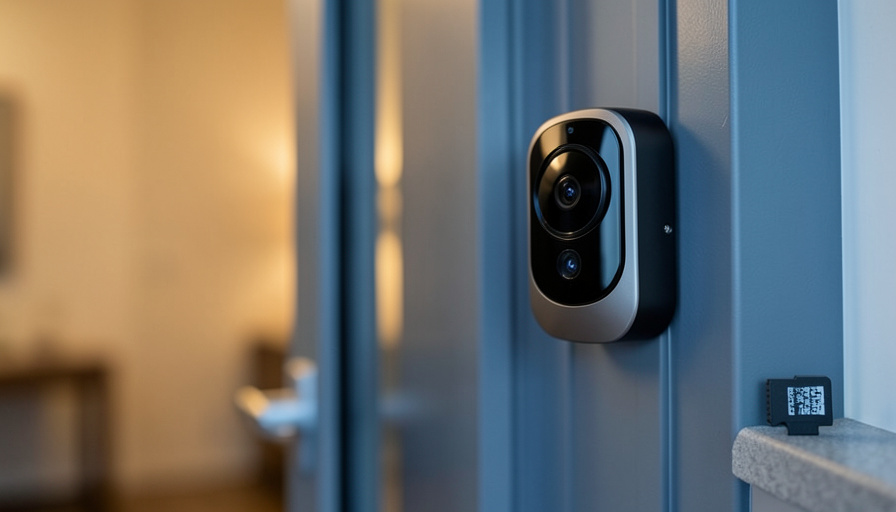
Five video doorbells that keep your footage on a card in your home instead of behind Ring’s monthly paywall, chosen for renters who cannot drill and share a building’s WiFi.
Ring works, but the footage lives in the cloud, and seeing more than the live view means a Ring Protect subscription that never ends. For a renter, that is two problems stacked on one: a recurring fee, and hardware that often assumes you can drill into a doorframe you do not own. The doorbells below fix both. Each stores video locally with no monthly fee, and each can go up without power tools, which is what makes them work in an apartment.
The best Ring alternatives with local storage for renters are:
- Eufy Video Doorbell — best overall, local storage and battery install
- Aqara Video Doorbell G4 — best for Apple Home users
- TP-Link Tapo Video Doorbell — best on a budget
- Blink Video Doorbell — best cheap pick in the Amazon ecosystem
- Reolink Video Doorbell — best for full local control
Quick Picks
| Doorbell | Best for | Local storage | Renter install | Price |
|---|---|---|---|---|
| Eufy Video Doorbell | Most renters | Built-in plus HomeBase | Battery, no-drill | ~$130-180 |
| Aqara G4 | Apple Home | microSD in chime hub | Battery or wired | ~$120 |
| TP-Link Tapo | Tight budgets | microSD | Battery, quick setup | From ~$60 |
| Blink Video Doorbell | Amazon households | USB via Sync Module 2 | Battery, no-drill | ~$60 plus module |
| Reolink Video Doorbell | Self-hosters | microSD or NVR | Wired or WiFi | ~$100 |
Table of Contents
1. Eufy Video Doorbell

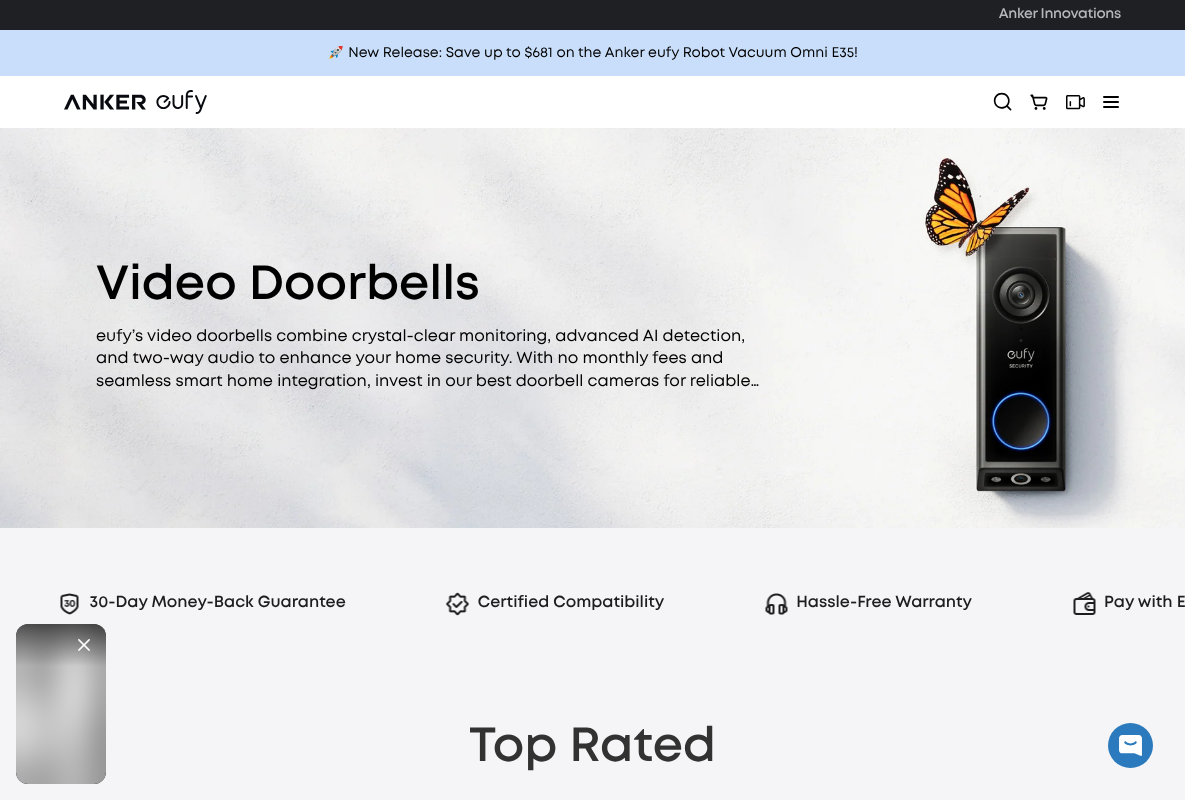
Best for: Most renters who want local storage, package detection, and a battery install with no ongoing cost.
Eufy built its reputation on no-fee local storage, and its doorbells store clips on the device or an included HomeBase rather than the cloud. The dual-camera models add a downward view for packages, which matters at an apartment door, and the battery versions mount without wiring. Detection runs on the device, so you get alerts without paying a subscription for them.
- Pros: Local storage with no monthly fee, battery install, package camera, on-device AI.
- Cons: Higher upfront price than budget rivals, and the app pushes cloud add-ons you can ignore.
Pricing: Around $130 to $180 at Eufy.
2. Aqara Video Doorbell G4
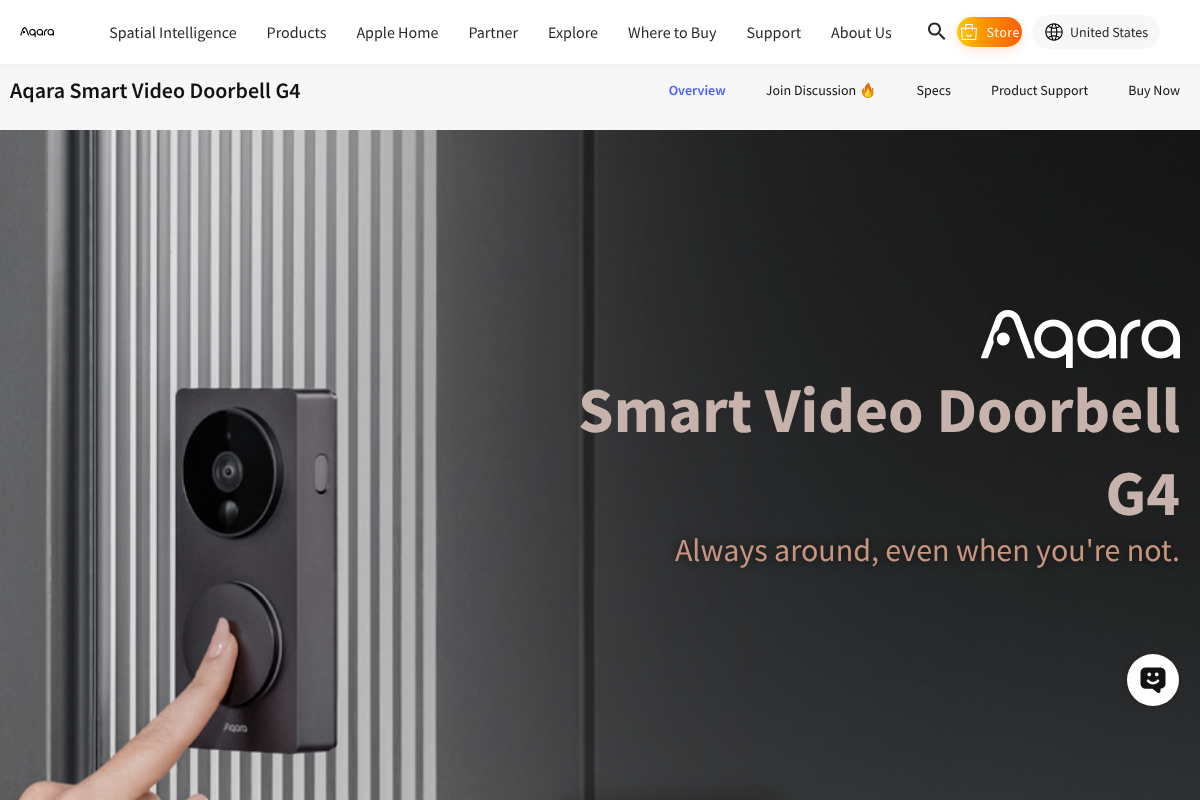
Best for: Renters in the Apple ecosystem who want HomeKit Secure Video without a separate fee.
The Aqara G4 records to a microSD card in its indoor chime hub, and it works with Apple HomeKit Secure Video, which stores footage in iCloud under a plan many Apple users already pay for. It runs on batteries or wiring, so a renter can start with batteries. For an iPhone household, it is the easiest of these to fold into what you already use.
- Pros: HomeKit Secure Video support, microSD local storage, battery or wired, broad platform support.
- Cons: The full HomeKit experience needs an Apple hub at home, and the chime hub has to stay powered.
Pricing: Around $120 at Aqara.
3. TP-Link Tapo Video Doorbell
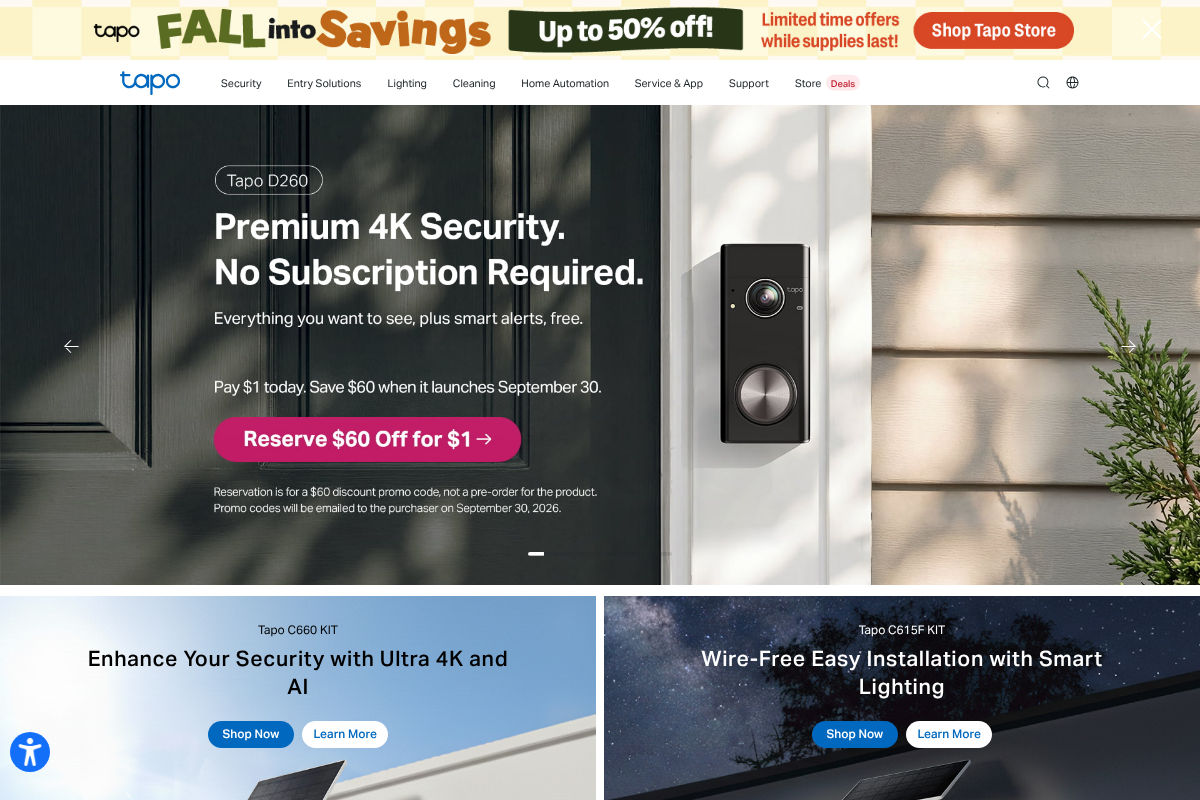
Best for: Renters on a tight budget who still want sharp video and free person detection.
Tapo’s doorbells undercut almost everyone while keeping the parts that matter: a microSD card for local clips, free person and package alerts, and setup that takes about fifteen minutes. TP-Link markets the line as no subscription required, and the battery models suit a rental. It is the pick when price is the main constraint but you do not want to give up local recording.
- Pros: Very low price, microSD local storage, free detection, fast setup.
- Cons: Ecosystem is smaller than Eufy’s, and cloud options exist mainly as upsells.
Pricing: From about $60 at TP-Link Tapo.
4. Blink Video Doorbell
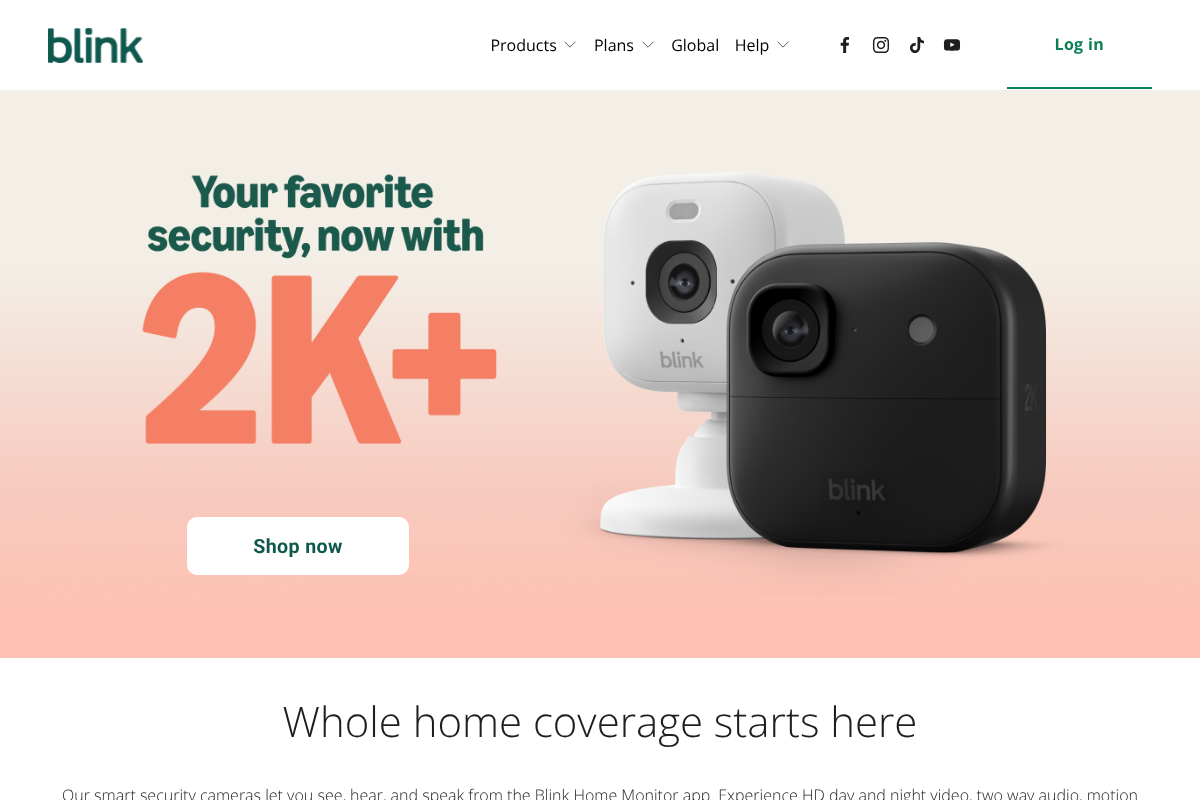
Best for: Renters already in the Amazon and Alexa world who want the cheapest entry point.
The Blink Video Doorbell is inexpensive and battery-powered, and it stores clips locally to a USB drive when you pair it with a Blink Sync Module 2. That pairing is the important detail: without the module, Blink pushes you toward a subscription, so buy them together to keep storage free. It works with Alexa and installs without drilling.
- Pros: Low price, battery install, local USB storage with the Sync Module, Alexa support.
- Cons: Local storage needs the Sync Module 2, and features are thinner than pricier rivals.
Pricing: Around $60 plus the Sync Module at Blink.
5. Reolink Video Doorbell
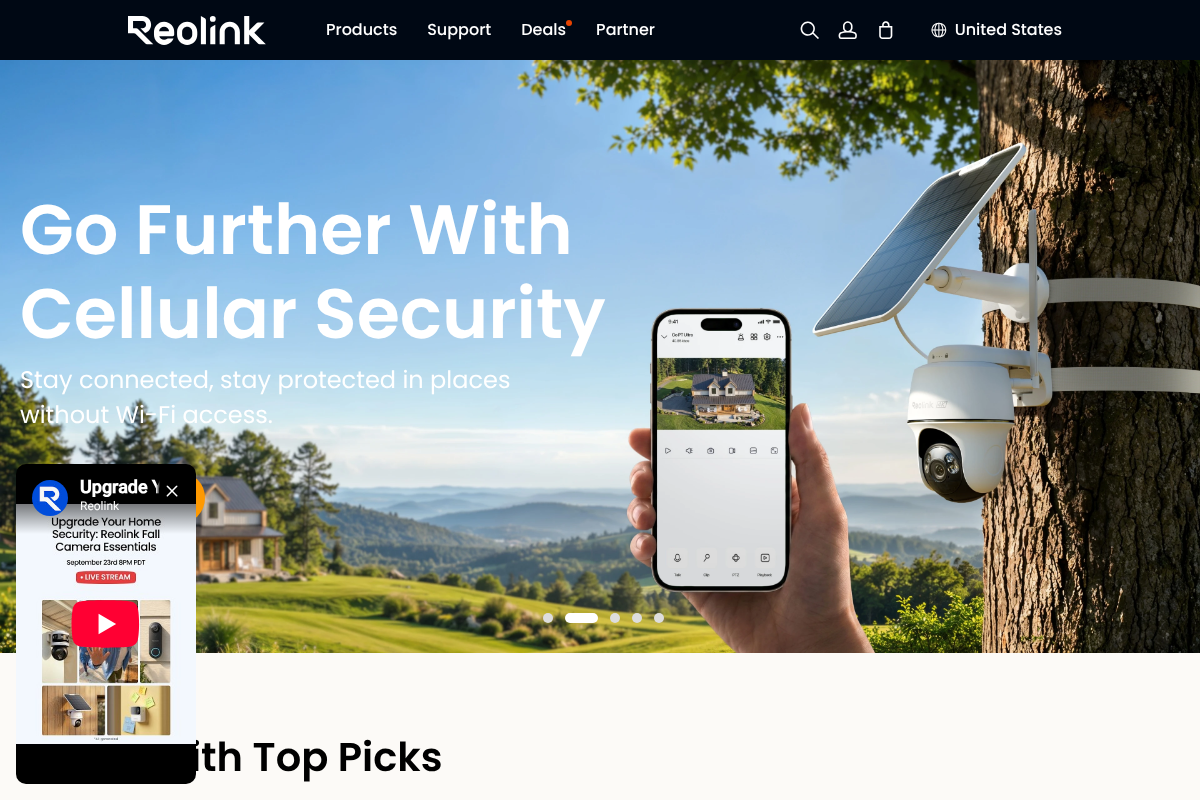
Best for: Renters who want full local control, including a NAS or Home Assistant setup.
Reolink is the choice for anyone who wants to own the whole pipeline. Its doorbell records to a microSD card or a Reolink recorder, and it supports RTSP and ONVIF, so you can pull the feed into Home Assistant or a network drive with no cloud at all. It comes in WiFi or wired versions, which helps in a building where WiFi is crowded and a wired option is calmer.
- Pros: Full local control, RTSP and ONVIF support, microSD or recorder storage, no subscription.
- Cons: More setup than plug-and-play rivals, and the wired versions may not suit every rental.
Pricing: Around $100 at Reolink.
Installing a doorbell as a renter, without the drill
The hardware is only half the problem in a rental, so plan the install before you buy. A few rules keep you out of trouble:
- Skip the drill. Use the adhesive or no-drill mount most battery doorbells include, or a removable mount designed for renters, so you leave no holes behind.
- Consider a peephole camera for apartment doors. If your only entrance is a hallway door you truly cannot modify, a peephole-style camera or a doorbell on a freestanding mount avoids touching the frame.
- Check the lease and ask the landlord. Some buildings restrict hallway-facing cameras, and getting a yes in writing first saves a deposit dispute later.
- Plan for shared WiFi. On crowded building WiFi, a doorbell that records locally keeps working even when the network is slow, which is a real edge over cloud-only devices.
For coverage inside as well, our roundup of indoor security cameras with no subscription follows the same no-fee, local-storage approach.
How We Chose These
We started from the two things a renter actually needs, no recurring fee and no permanent changes to the property, and ruled out anything that failed either. Every pick stores video locally, whether on a card, a base station, or a home recorder, so you are not renting access to your own footage. We favored battery models and no-drill mounting for the install, weighed the real cost including any hub or module needed for free storage, and preferred brands with a track record over unknown sellers that vanish after a season.
The Bottom Line
For most renters, the Eufy doorbell is the easiest win: local storage, a package camera, and a battery mount with no fee. Apple households should look at the Aqara G4, budget shoppers at Tapo, Amazon regulars at Blink paired with a Sync Module, and tinkerers at Reolink for full local control. Whichever you choose, buy the no-drill mount, keep the footage on a card at home, and confirm your lease allows it before you stick anything to the door.
Frequently Asked Questions
What is the best Ring alternative with local storage for renters?
For most renters, the Eufy Video Doorbell is the best overall alternative because it stores clips locally with no monthly fee, includes a package-spotting camera on dual-lens models, and mounts on batteries without drilling. Apple users may prefer the Aqara G4 for HomeKit Secure Video, and budget shoppers can get local storage from a Tapo doorbell for far less.
Do any video doorbells work without a subscription?
Yes. Eufy, Aqara, TP-Link Tapo, Blink with a Sync Module 2, and Reolink all record video locally with no required subscription. The footage is stored on the device, a microSD card, a base station, or a home recorder rather than the cloud. Some brands still offer optional cloud plans, but you can use these doorbells fully without paying one.
Can I install a video doorbell in an apartment without drilling?
Usually yes. Most battery doorbells include an adhesive or no-drill mount, and renter-specific mounts let you attach a doorbell to a frame or wall without holes. For a hallway door you cannot modify, a peephole-style camera is an option. Check your lease first, since some buildings limit hallway-facing cameras.
Is local storage safer than cloud storage for a doorbell?
They protect against different things. Local storage keeps your footage in your home and off a company’s servers, which many renters prefer for privacy and to avoid fees, and it keeps recording when your internet is slow. The tradeoff is that a stolen device can take the card with it, so some people use a base station kept indoors rather than storage inside the doorbell itself.
Will these doorbells work on shared building WiFi?
Generally yes, though crowded building WiFi can slow live streaming. A doorbell that records locally has an advantage here, because it keeps saving clips to its card even when the network is congested. If WiFi is unreliable in your unit, a model that supports wired or local recording, like Reolink, is the safer bet.
What To Do Next
Match the doorbell to your setup, buy it with a no-drill mount, and add any hub or module the free storage needs before you rely on it. Then confirm your lease allows a door camera, set it to record locally, and skip the subscription entirely. For more smart-home and gadget guidance, browse Wayodd’s Gadgets & Tech section.