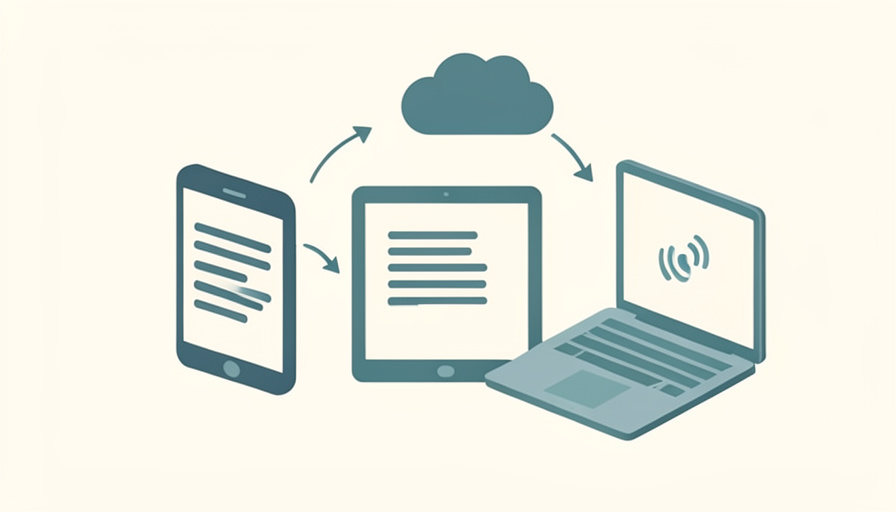

You jot an idea on the train with no signal, add to it on your laptop at home, and open your phone the next day to find one note half-empty and a duplicate named “conflict.” The writing was never the problem. It was trusting the app to put the pieces back together.
A note app offline sync that actually works lets you write anywhere and trust it to merge cleanly when you reconnect, rather than leaving you to untangle conflicts by hand. The apps below all work fully offline and sync across devices, and here they are compared on how they handle that reconnection, since that is where most of them either shine or fall apart. Features and pricing change, so confirm the current details before you settle in.
Quick Take
- For local files you own and reliable offline use, Obsidian, Joplin, and Logseq keep your notes as plain files on your device.
- For encrypted sync across platforms, Standard Notes and Notesnook lead, with your notes unreadable to the provider.
- For zero setup, Apple Notes, Google Keep, and Simplenote just work offline and sync in the background.
Table of Contents
How We Chose These
We looked for apps that let you read and write with no connection and then reconcile changes without losing anything, since a note app that drops edits offline is worse than none. We noted where your notes actually live, how sync works, and whether the app handles a conflict gracefully or dumps the problem on you. The list spans local-file tools, encrypted clouds, and zero-setup defaults, so there is a fit whether you value ownership, privacy, or simplicity.
1. Obsidian
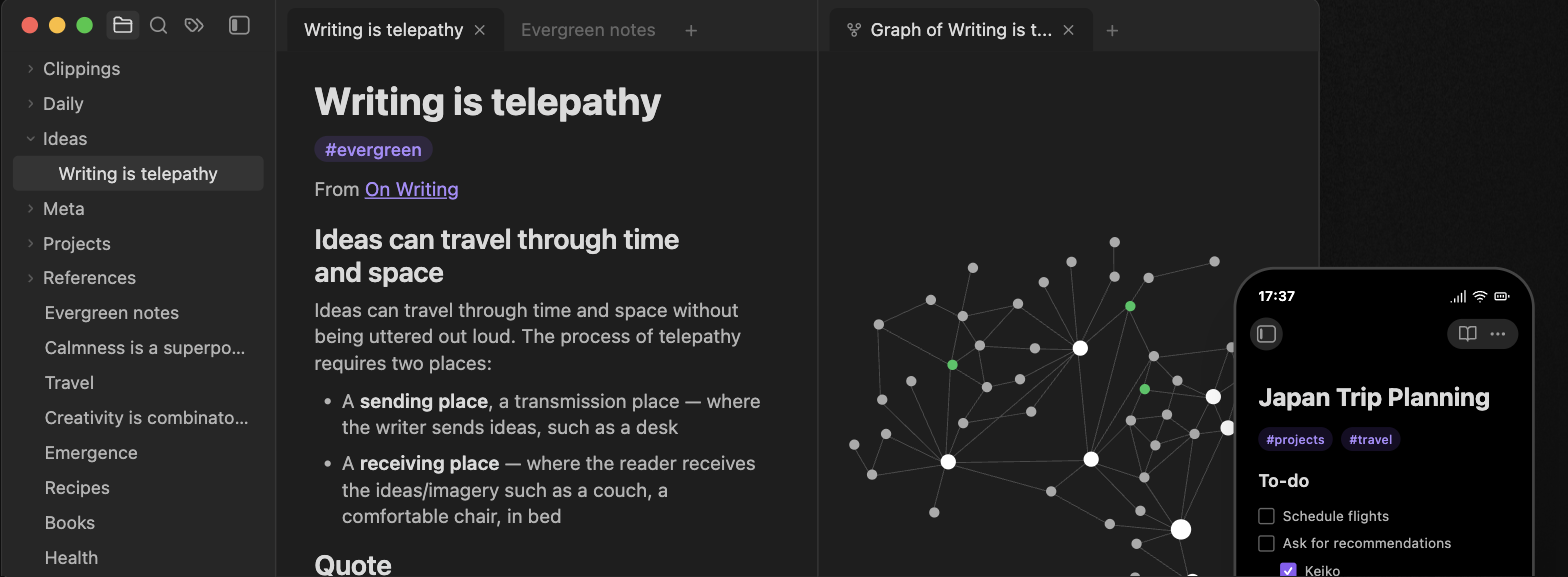
Obsidian stores every note as a plain Markdown file in a folder on your device, so it works fully offline by design and your notes are readable files, not a locked format. Sync is optional through its paid end-to-end encrypted service, or free through Git, Syncthing, or a cloud folder you control. Because notes are files, conflicts are visible and recoverable. See Obsidian.
2. Joplin
Joplin is open-source, Markdown-based, and offline-first, holding your notes locally and syncing through Nextcloud, WebDAV, Dropbox, OneDrive, or your own server. Its standout is conflict handling: when two devices edit the same note offline, Joplin keeps both in a conflicts folder rather than silently overwriting one. It is the safe pick for people who edit across devices without a stable connection. See Joplin.
3. Standard Notes
Standard Notes is the strongest privacy-first option, encrypting everything end to end so the provider cannot read your notes. It works offline and syncs reliably across desktop, mobile, and web, and it is owned by Proton. If your priority is that notes stay private and still appear on every device, it is a dependable choice. See Standard Notes.
4. Notesnook
Notesnook pairs end-to-end encryption with a clean, modern editor and open-source code. It stores notes locally for offline use and syncs them encrypted across your devices, making it a friendlier privacy pick than more technical tools. For people who want encryption without a steep setup, it hits a good balance. See Notesnook.
5. Apple Notes
Apple Notes is the zero-setup default inside the Apple world, capturing notes offline and syncing through iCloud the moment you reconnect. It handles everyday conflicts quietly and rarely loses work across iPhone, iPad, and Mac. The limit is obvious: it is Apple-only, so it is not the answer if you also live on Windows or Android.
6. Google Keep
Google Keep is built for fast capture, jotting notes and checklists offline on mobile and syncing to your Google account and the web when you reconnect. It is free and effortless for short notes and reminders. The trade-off is depth: formatting and organization are light, so it suits quick thoughts more than long documents or a knowledge base.
7. Microsoft OneNote
OneNote works offline and syncs through OneDrive across Windows, Mac, phones, and the web, with freeform pages you can fill with text, ink, and clippings. Recent edits made offline sync back once you are online. It is a strong free option for people already in the Microsoft world, though its notebook structure is heavier than a simple notes app.
8. Simplenote
Simplenote does exactly what its name says: plain-text notes that work offline and sync across every platform, including the web, for free. From Automattic, it keeps a version history so you can recover an earlier state after a bad sync. There is no rich formatting, which is the point, and it is one of the most reliable lightweight options for cross-device text.
9. Bear
Bear is a polished Markdown app for Apple devices, writing offline and syncing through iCloud across iPhone, iPad, and Mac. It is a pleasure for longer writing, with tags instead of folders and a clean interface. Like Apple Notes, it is Apple-only, so its clean sync is limited to that ecosystem rather than Windows or Android.
10. Logseq
Logseq is an open-source, local-first outliner that stores notes as Markdown or org files on your device and works entirely offline. You sync through Git, a cloud folder, or its own sync service, keeping ownership of the files. It suits people who think in bullet points and links, and who want their notes to stay as plain files they control.
11. Anytype
Anytype is a local-first, end-to-end encrypted workspace that stores your notes on your device and syncs them across your own devices without a central server holding readable data. It works offline and reconciles changes when you reconnect. It is more of an all-in-one workspace than a plain notepad, which is powerful but takes a little learning.
12. UpNote
UpNote is a clean, cross-platform note app that works offline and syncs across Windows, Mac, iOS, and Android. It offers rich formatting and notebooks at a modest one-time or subscription price, with a generous free tier. For people who want a polished, affordable notes app that behaves well offline without going open-source, it is an easy recommendation.
13. Nextcloud Notes
Nextcloud Notes is the pick if you run your own server. Its mobile and web apps edit notes offline and sync them to your self-hosted Nextcloud, so your data never leaves infrastructure you control. Setup asks for a Nextcloud instance, but once running, it gives you private, offline-capable notes syncing across devices on your own terms.
14. Trilium Notes
Trilium is an open-source, power-user note app with a deep hierarchy and scripting, running offline on the desktop and syncing through its own self-hosted server. It is aimed at people building a large personal knowledge base who want structure and control. The setup and feature depth are more than casual note-takers need, but for the right user it is unmatched.
The Takeaways
- Local-file tools like Obsidian, Joplin, and Logseq keep notes on your device and make conflicts visible and recoverable.
- Standard Notes and Notesnook give encrypted sync so your notes stay private across devices.
- Apple Notes, Google Keep, Simplenote, and OneNote just work offline with zero setup, best for quick, everyday notes.
- Anytype, UpNote, Nextcloud Notes, and Trilium suit self-hosting, all-in-one workspaces, or power users who want more control.
Frequently Asked Questions
Which note app has the best offline mode and sync?
For reliability with conflict safety, Joplin stands out, since it preserves both versions when two devices edit offline rather than overwriting one. Obsidian is close behind because its notes are plain files you can always recover. If you want zero setup, Apple Notes and Simplenote sync offline edits cleanly. The best pick depends on whether you value ownership, privacy, or simplicity.
What happens when two devices edit the same note offline?
It depends on the app. The safest ones, like Joplin, keep both versions so you can merge them, and file-based apps like Obsidian make the conflict visible as a separate file. Weaker apps may silently keep the last one synced and drop the other. This is why conflict handling, more than offline capture alone, is the feature to check before you commit.
Are there free note apps that work offline and sync?
Yes. Obsidian is free with optional paid sync, Joplin and Logseq are free and open-source, and Simplenote, Google Keep, and Apple Notes are free with built-in sync. Standard Notes and Notesnook have free tiers with encryption. You can get reliable offline notes with clean sync without paying, though some paid tiers add convenience or extra features.
Do offline note apps keep my notes private?
The most private are the end-to-end encrypted apps, Standard Notes and Notesnook, where the provider cannot read your notes, and self-hosted options like Nextcloud Notes and Trilium, where data stays on your own server. Local-file apps like Obsidian keep notes on your device by default. Cloud defaults like Google Keep are convenient but readable by the provider, so match the app to your privacy needs.
Can I switch note apps without losing my notes?
Usually, yes, especially with Markdown-based apps. Obsidian, Joplin, Logseq, and others store or export plain Markdown, which most apps can import, so your notes are portable. Proprietary formats are harder to move, so if avoiding lock-in matters, favor apps that keep notes as plain files or offer a clean Markdown export before you invest heavily.
Write Offline, Trust the Merge
The real test of a note app is not how it looks online but what it does when you have been writing without a signal. Choose Obsidian, Joplin, or Logseq if you want to own your files, Standard Notes or Notesnook if privacy leads, and Apple Notes, Google Keep, or Simplenote if you just want it to work. Check how each handles a conflict before you rely on it, and your notes will survive every plane, tunnel, and dead zone. For more software comparisons, browse Wayodd’s Software section.
























































No Comments
Leave a comment Cancel