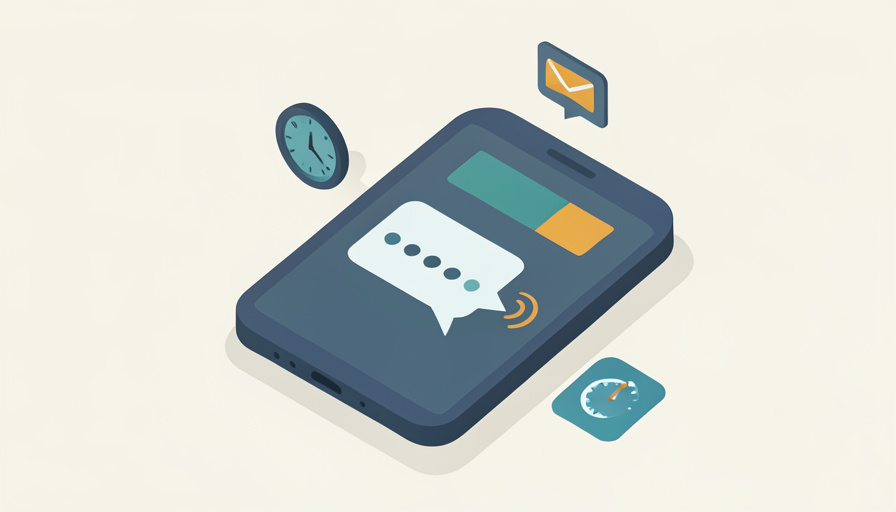

You type your password, the screen asks for the code, and you wait. And wait. The one text that stands between you and your account is the one that decides not to show up.
When a two factor code not received message leaves you locked out, the cause is almost always delivery rather than the code itself. Texts get filtered, emails land in spam, and authenticator apps quietly fall out of sync, all while the login screen keeps counting down. Here are seven reasons your two-factor codes never arrive across SMS, email, and apps, with the quick fix for each.
Quick Take
- Most missing codes are a delivery problem: a filtered text, a spam-foldered email, or an app whose clock has drifted.
- Check your message spam folder, your email junk folder, and your phone’s date-and-time settings first.
- If codes still fail, confirm the number and email on your account are current and try again after any cooldown.
Table of Contents
How We Chose These
We focused on the reasons that apply across services rather than one company’s login, and split them by how the code reaches you, text, email, or app. Each is something you can check or fix yourself in a minute or two. They run from the most common delivery failures, filtered texts and spam-foldered emails, to the settings that quietly break an authenticator app.
1. Your Carrier Filtered or Delayed the Text
The codes that come from short numbers travel a different path than a normal text, and carriers sometimes flag, delay, or block them as spam, even when your other messages arrive fine. Network congestion adds delays on top. Check your phone’s blocked or spam messages folder, and if codes keep failing, contact your carrier to make sure short-code messages are not being filtered.
2. The Email Code Landed in Spam
When a service sends codes by email, an aggressive spam filter can quietly divert them to junk, or a mail rule can bury them. Look in your spam and junk folders, search your inbox for the sender, and add the sender’s address to your contacts or safe list. That one step often fixes email codes that seemed to vanish.
3. Your Authenticator App’s Clock Drifted
Authenticator apps generate codes from the current time, so if your phone’s clock is even a little off, the code it shows will be rejected as wrong. Set your phone’s date and time to update automatically, and if your app has a time-sync or time-correction option, use it. Google’s guide to verification codes in Authenticator covers this fix.
4. The Number or Email on File Is Old
Codes go exactly where your account says to send them, which is a problem if that number or inbox is one you no longer use. This is easy to miss after changing phones or email providers. Check the security settings on the account and confirm the phone number and email address are current, then send a fresh code.
5. Weak Signal, Do Not Disturb, or a Full Inbox
A text cannot arrive if the phone has no signal, is in airplane mode, or has a message inbox so full it cannot receive more. Do Not Disturb and notification settings can also silence the alert so a delivered code goes unnoticed. Check your signal, turn off airplane mode, clear space in your messages, and look again.
6. A Recent SIM Swap, Port, or eSIM Change
If you recently moved your number to a new SIM, ported to another carrier, or switched to an eSIM, code delivery can break for a while even though normal texts work. The routing for short-code messages sometimes lags behind the change. Give it time, confirm the number is fully active, and contact the carrier if short codes still will not come through.
7. Too Many Requests Hit a Rate Limit
Tapping resend over and over can backfire, because many services limit how often they send codes and pause delivery when you request too many at once. The earlier codes may also still be valid. Stop requesting, wait a few minutes for any cooldown to clear, then ask for a single new code and give it time to arrive.
The Takeaways
- Missing codes are usually a delivery issue, so check message spam, email junk, and your phone’s clock first.
- Carrier filtering, a full inbox, or a recent SIM change can all block texted codes.
- An authenticator app rejects codes when the phone’s time is wrong, so sync it automatically.
- Confirm the number and email on your account are current, and wait out any rate-limit cooldown.
Frequently Asked Questions
Why is my two-factor code not arriving by text?
Usually because your carrier filtered or delayed the short-code message, your phone has weak signal or a full inbox, or the number on your account is out of date. Check your blocked and spam message folders, confirm your signal and the number on file, and contact your carrier if short codes keep failing.
Why won’t my authenticator app code work?
Almost always because the phone’s clock has drifted, since the app builds codes from the current time. Set your date and time to update automatically, and use the app’s time-sync option if it has one. Once the clock is correct, the app’s codes should be accepted again immediately.
My email verification code never came. Where is it?
Check your spam and junk folders first, then search your inbox for the sender, since automated messages are often filtered. Adding the sender to your contacts or safe-senders list usually stops it happening again. If it still fails, confirm the email address on your account is the one you can actually access.
Does requesting the code many times help?
No, it often makes it worse. Many services rate-limit codes and will pause delivery if you request too many quickly, and older codes you already triggered may still be valid. Stop resending, wait a few minutes for the cooldown, then request one fresh code and give it a moment to arrive.
Could a recent phone or SIM change be the cause?
Yes. After a SIM swap, a port to a new carrier, or a move to an eSIM, short-code delivery can lag even when ordinary texts work. Make sure the number is fully activated on the new setup, wait a little, and ask the carrier to check short-code routing if codes still do not arrive.
Keep a Backup Before the Code Fails
A missing two-factor code is frustrating, but it is usually a delivery hiccup you can trace in a few minutes: a filtered text, a spam-foldered email, a drifted clock, or a stale number on file. Work through these seven, and set up backup codes or a second method now, so the next time a code goes missing you are not locked out. For more on keeping your accounts and devices working, browse Wayodd’s General section.


















































No Comments
Leave a comment Cancel